 tauri-ui
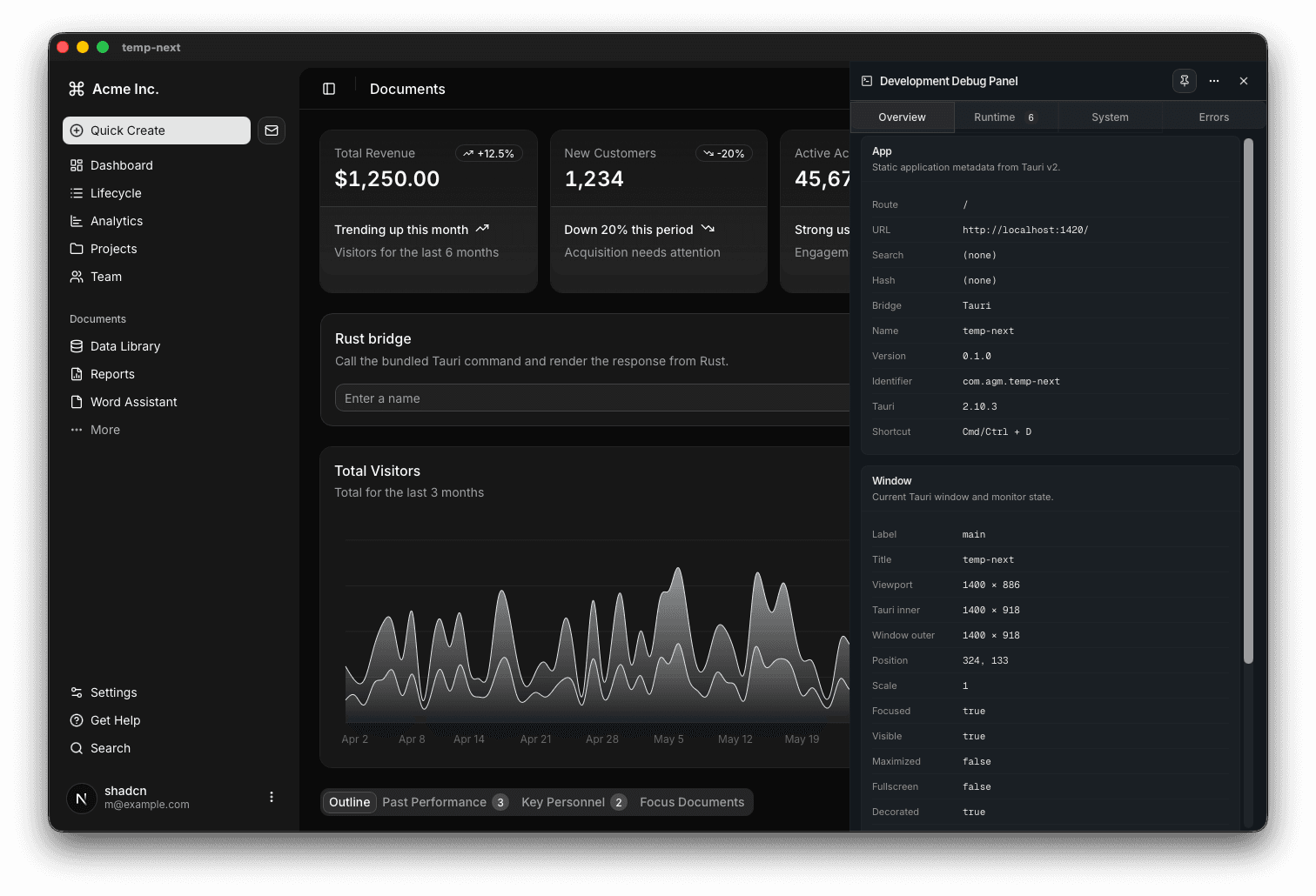
Debug panel
Built-in development inspector for generated Tauri apps.
The debug panel is enabled in development only and has zero production impact.
What it shows
- app metadata, current route, and window state
- theme and accessibility preferences (color scheme, reduced motion, contrast, forced colors)
- locale, timezone, calendar, first day of week
- display, color gamut, pointer, hover, orientation
- network online state and connection quality
- tracked invoke calls, runtime events, and plugin logs
- system paths
- errors and unhandled rejections
Behavior
- toggle with
Cmd/Ctrl + D - dock to the left, right, or bottom
- attach it to reserve layout space
- remembers dock position and active tab
- hover any field label to see the source snippet (
navigator.*,matchMedia, or Tauri API) and an origin chip marking it as web or tauri
Debug panel
Current dark-mode screenshot. Replace later with a docs-specific cropped capture.
Manage in an existing project
If you scaffolded without the debug panel, or want to pull in the latest version on an older project:
bunx create-tauri-ui@latest add debug-panel       # install
bunx create-tauri-ui@latest update debug-panel    # upgrade in place
bunx create-tauri-ui@latest remove debug-panel    # uninstall
update is idempotent — existing wiring (mount, plugin registration, log permission) is preserved. See Manage batteries for the full workflow.